
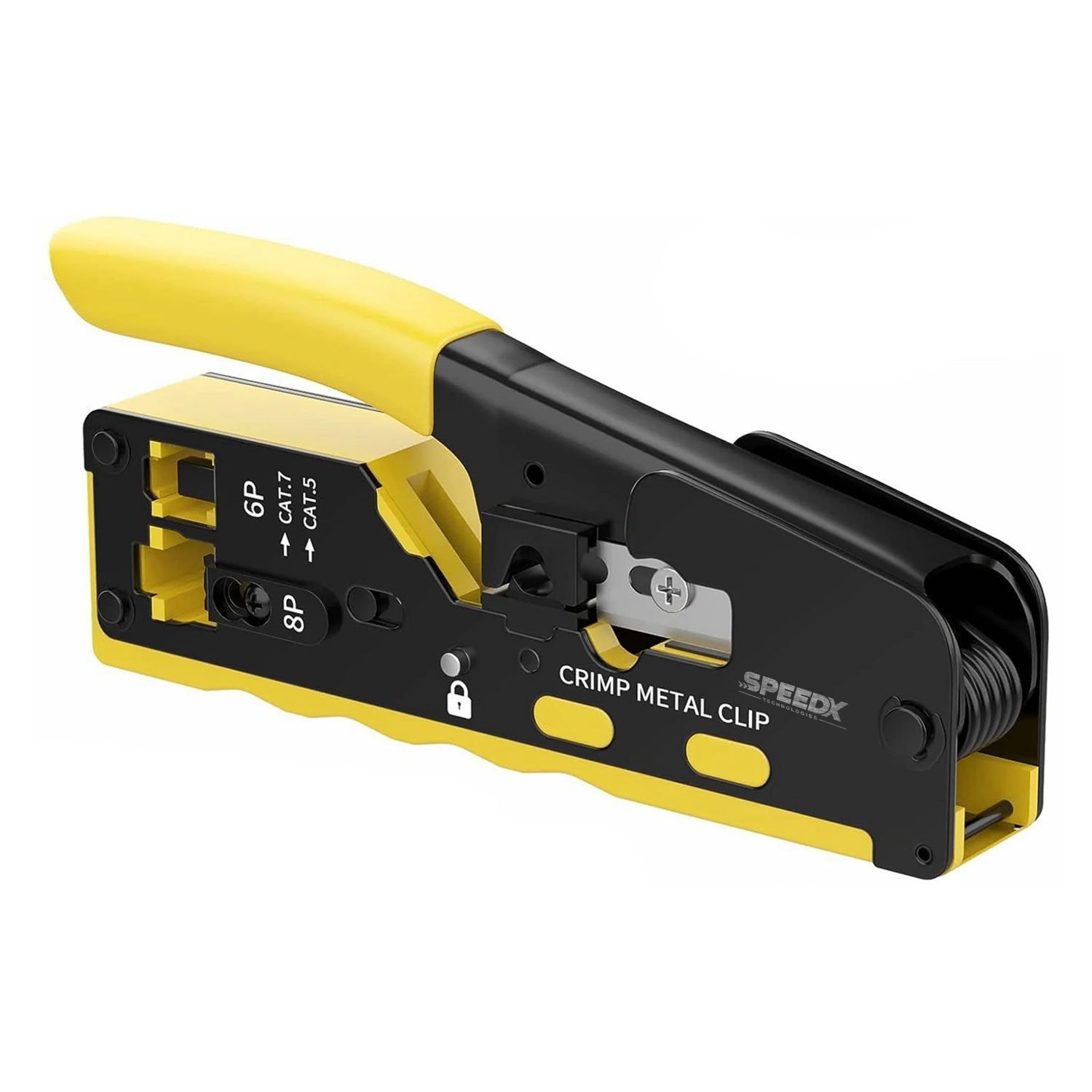
Speed-X HT-718 CAT7 RJ45 Crimping Tool with Cutter
$ 6.95
Description Speed-X HT-718 CAT7 RJ45 Crimping Tool with Cutter Multi Function: Used for pass-through design connectors, crimp the connector and cut the extra wires, another function of crimping a dovetail clip, which helps crimp modular plugs with feed-thru design and a dovetail clip at the same time. High Precision: High-standard precision crimping and grinding port, fixed modular plugs to make sure cables do not fall. CAT5 CAT6 CAT7 Modular Crimper: It doesn’t matter whether you are an IT professional who is dealing with network cables and connectors daily or just a home user who is a newbie to the Ethernet network; you should get the Microware Ethernet crimping tool. 2/3 the size of traditional crimpers, comes with a screwdriver and cable stripper, crimps standard CAT5, CAT6, and shielded CAT7 network connectors, and is budget-friendly altogether. This network tool from Microware is a top-ranked RJ45, RJ12, and RJ11 network crimper today. The Function of the Tool Lock Button Regulating Screw for Cat5/Cat5e/Cat6/Cat6a/Cat7 8P8C, RJ45 For Ethernet Cable 6P6C,4P4C,RJ11,RJ12 For Telephone Cable Dovetail Clip Crimper How to make the RJ45 cable: Put the cable into the stripper. Rotate the mini wire stripper around the cable. Put the wires into the load bar in turn (by the RJ45 order of T568A or T568B ), and cut the wires horizontally. (If you want to crimp the RJ11/RJ12 cables, the wire order is different from the RJ45 cables.) Assemble the plug. Press down the handle and roll out the lock button from the back to unlock. Regulating screw fit for Cat5 or Cat7. (If you want to crimp the RJ11/RJ12 cable, ignore this step.) Put the plug into the crimping tool, and then crimp the plug. Lightly press the tail to the middle, and use the dovetail clamp crimping.